
Common area bookings: calendars, rules and limits without conflict
Shared spaces create value, but also conflict when managed with paper, calls or messages. A booking calendar with clear rules avoids duplicates and disputes.
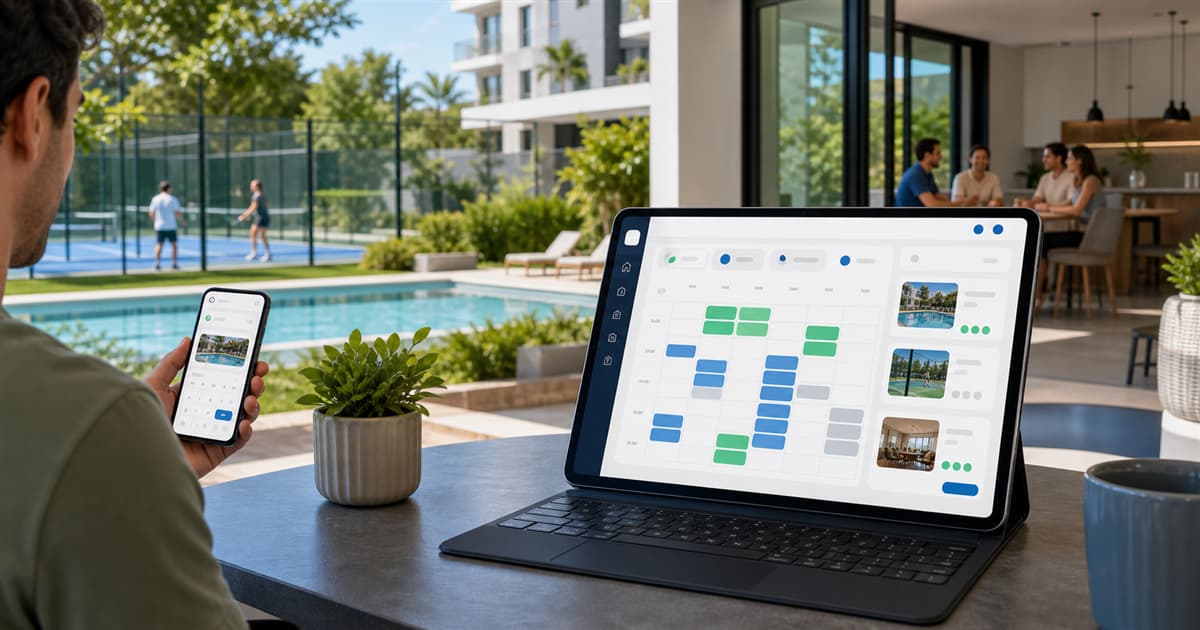
Pool, padel court, social room, terrace, barbecue, gym or meeting room: common areas improve life in a building, but they can also become a source of conflict when rules are unclear.
When bookings are managed through paper, calls or messages, the same questions repeat: who had the slot, whether cancellation was allowed, how many bookings per week are permitted or whether one home can block several consecutive times.
Common booking problems
- Duplicate bookings for the same time slot.
- Rules that not everyone knows or remembers.
- Cancellations sent late or through different channels.
- Residents monopolizing slots when limits are unclear.
- Uncertainty about who can book and how far in advance.
Set rules before opening the calendar
Before digitizing bookings, the community should define the usage policy: available hours, maximum duration, daily or weekly limits, minimum cancellation time and whether approval is required. The app should reflect those rules so they do not depend on manual interpretation.
- Opening and closing hours by common area.
- Duration of each bookable slot.
- Booking limits by day, week or home.
- Cancellation or modification window.
- Permissions by role or community membership.
Resident experience matters
A resident should be able to view availability from mobile, choose a slot, confirm the booking and check upcoming reservations without calling anyone. The simpler the workflow, the less operational load for the president.
Traceability prevents disputes
When bookings and cancellations have history, doubts can be resolved with data. The community can see who booked, when the booking was created, whether it was canceled and which slots remain free.
Bookings in HabitaliApp
HabitaliApp manages common areas from the same dashboard used for residents, announcements, incidents and staff. Each area can have its own configuration, availability and usage limits so operations match the community rules.
This is especially useful for residential complexes with lounges, courts, pools or shared spaces that need something clearer than a notebook at the front desk.
Open bookings with clear rules
Register in HabitaliApp and configure your building common areas so residents can book with a calendar, limits and visibility from day one.
FAQ
Which common areas can be managed with an app?
Pool, padel or tennis court, social room, terrace, barbecue, gym, coworking room, meeting room or any shared space with schedules and rules.
Should bookings be limited by home?
In many buildings, yes. Daily, weekly or period limits help distribute access and prevent a few homes from blocking too many slots.
Should bookings require manual approval?
It depends on the community. Some spaces can use direct booking, while others may require review or special conditions.