
Incident management for residential communities: repairs with real follow-up
An incident is not finished when someone reports it. It is finished when it has been reviewed, prioritized, assigned, resolved and recorded with clear history.
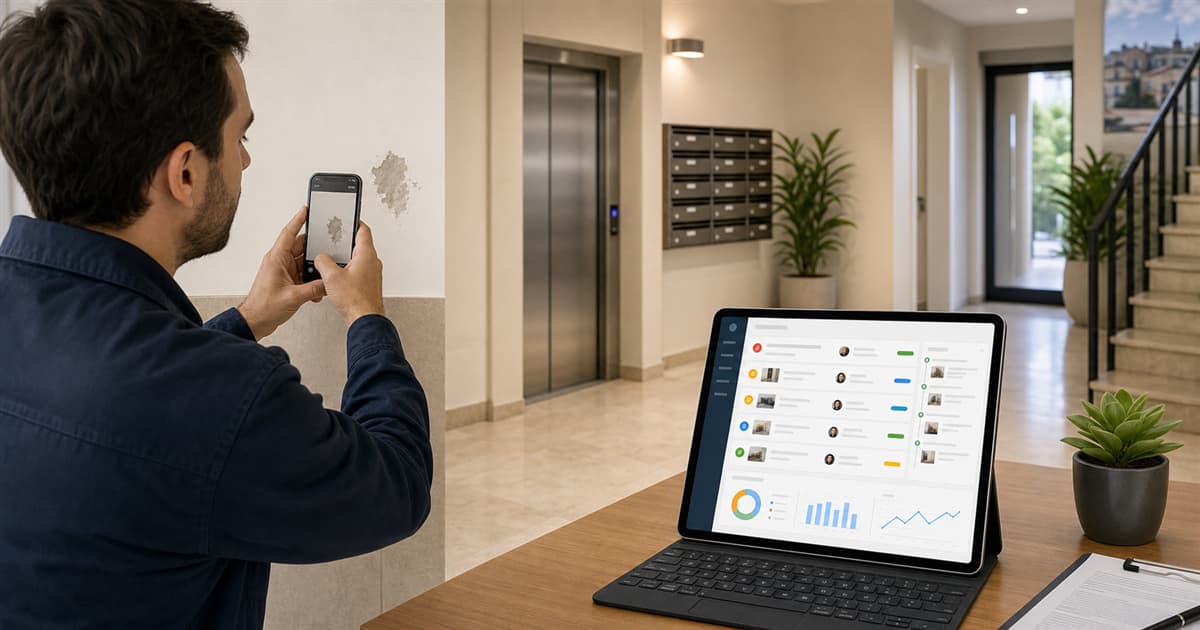
A door that does not close, damp in the garage, a broken light, an elevator outage or a leak in a shared area may look like simple reports. But when they arrive through different channels, the community loses time: someone mentioned it in person, another resident wrote in chat, someone sent a photo and nobody knows whether a provider has already been called.
Incident management in residential communities needs less improvisation and more traceability. The goal is not to add bureaucracy to every notice. It is to ensure important issues do not disappear and residents can see that follow-up exists.
Recommended incident workflow
- The resident reports the issue with a clear description and, when useful, an image.
- The president or manager reviews whether it is public, private or internal.
- Priority is set: low, medium, high or critical.
- Follow-up is assigned to a person or provider.
- Each status change is recorded.
- The incident is resolved or closed with enough context.
Not every issue has the same urgency
A broken lamp does not require the same response as a water leak, a blocked garage door or a security issue. Working with priorities helps the community address first what affects safety, accessibility, core services or risk of greater damage.
- Low: improvement or non-urgent notice.
- Medium: affects normal use but can be planned.
- High: requires prompt attention.
- Critical: safety, blockage, leak, risk or essential service affected.
What each person should see
Not every incident should be visible to everyone. Some affect shared areas and should have a visible status. Others are private, related to a specific home or contain sensitive information. A community app should combine transparency with permissions.
Measure to improve maintenance
When reports are recorded, the community can identify patterns: areas with more incidents, providers that take too long, repeated repairs or issues closed without explanation. That information supports better decisions in community meetings.
How HabitaliApp solves it
HabitaliApp centralizes building incidents with status, priority, visibility and history. Residents get a clear channel for reporting problems, while presidents can organize follow-up without losing context.
Incidents also live alongside other community modules: announcements, notes, workers, tasks and documents. A repair is no longer disconnected from daily operations.
Organize your building repairs
Create your HabitaliApp account and try an incident workflow designed for communities that want to move from scattered notices to real follow-up with clear statuses and responsibilities.
FAQ
What information should an incident include?
At minimum: title, description, affected building area, priority, visibility, reporter, status and history of changes.
Should every incident be public?
No. Some incidents should be shared with the community, while others should remain private or restricted to authorized roles.
Does incident software replace provider calls?
Not every call, but it helps the community know what was reported, what is pending and what has been closed.